HCL Connections OAuth
Register OAuth
In order for Huddo to authenticate with your Connections environment, you must define a new OAuth application.
Note
Installing alongside an existing Huddo Boards release with sharedServices.deploy: false? Skip this page — Huddo rides the existing Boards OAuth client and callback URL.
-
SSH to the HCL Connections Deployment Manager (substitute the alias)
ssh root@[DEPLOY_MANAGER_ALIAS] -
Start
wsadmin(substitute your credentials)cd /opt/IBM/WebSphere/AppServer/profiles/Dmgr01/bin/ ./wsadmin.sh -lang jython -username connectionsadmin -password passw0rd -
Register the new application definition
execfile('oauthAdmin.py')
OAuthApplicationRegistrationService.addApplication('huddo', 'Huddo', 'https://[HUDDO_URL]/auth/connections/callback')
Where
[HUDDO_URL]is the URL of the Huddo installation specified previously, including the/huddoprefix — for examplehttps://connections.example.com/huddo -
To view the uniquely created
clientSecretOAuthApplicationRegistrationService.getApplicationById('huddo')These commands will print the definition. Take note of the
clientSecret— it is used in your config file as:user: env: CONNECTIONS_URL: https://connections.example.com CONNECTIONS_CLIENT_ID: huddo CONNECTIONS_CLIENT_SECRET: [VALUE_PRINTED]
Configure Auto Auth
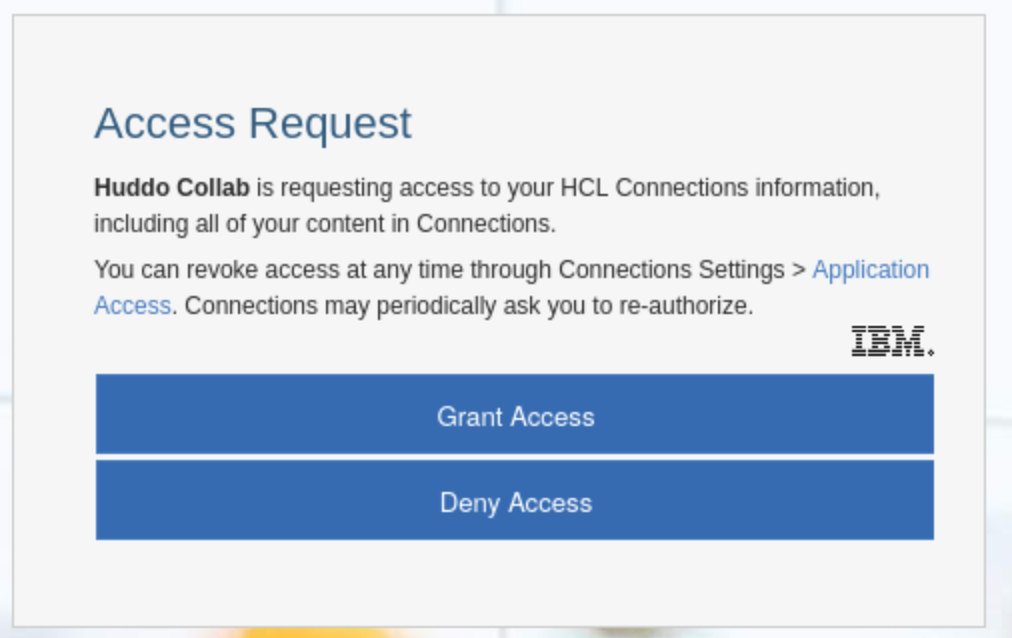
Steps to configure the Huddo application for auto-authorize (also documented here)
Tip
This step is optional but recommended, and can be done at any time.
-
Add the new line to the following section in
[cellname]/oauth20/connectionsProvider.xmlNote: keep any existing values and add the new line for
huddo<parameter name="oauth20.autoauthorize.clients" type="ws" customizable="true"> <value>huddo</value> </parameter> -
Recreate the provider via this command:
Note: update the wsadmin credentials and the
[PATH_TO_CONFIG_FILE]./wsadmin.sh -lang jython -conntype SOAP -c "print AdminTask.createOAuthProvider('[-providerName connectionsProvider -fileName [PATH_TO_CONFIG_FILE]/oauth20/connectionsProvider.xml]')" -user connectionsadmin -password passw0rd -
Restart the WebSphere servers