
Template Studio
Template Studio is where your organisation's page templates, property blocks and playbooks live. Browse what's available, make your own, and tailor the Huddo library to the way your organisation works.
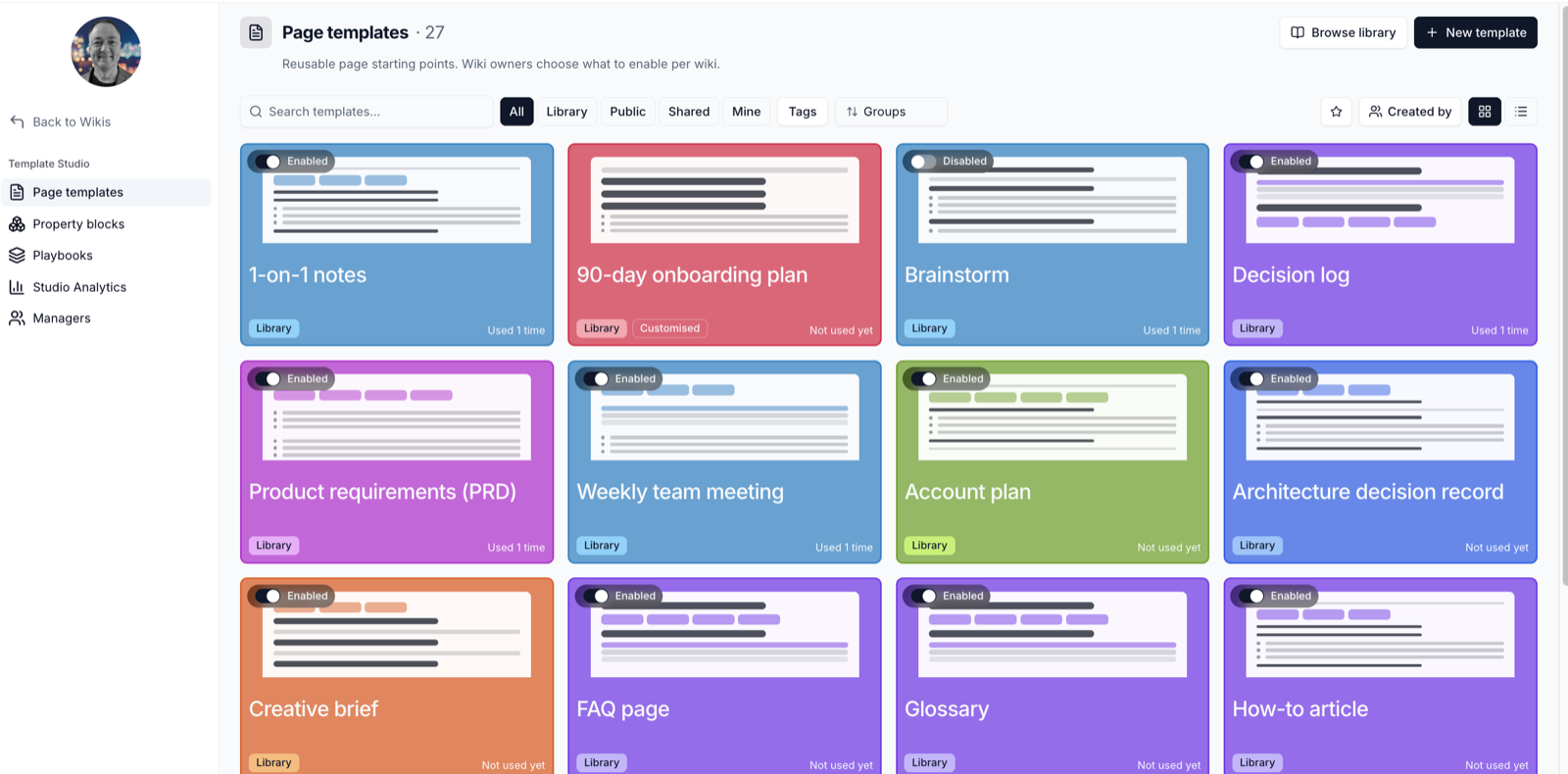
Open it from Template Studio in the sidebar on the Wikis home page.
What's in the Studio
| Section | What it holds |
|---|---|
| Page templates | Starting points for single pages, such as meeting notes or a project plan |
| Property blocks | Typed blocks of structured information, such as risks or action items, that authors add with / |
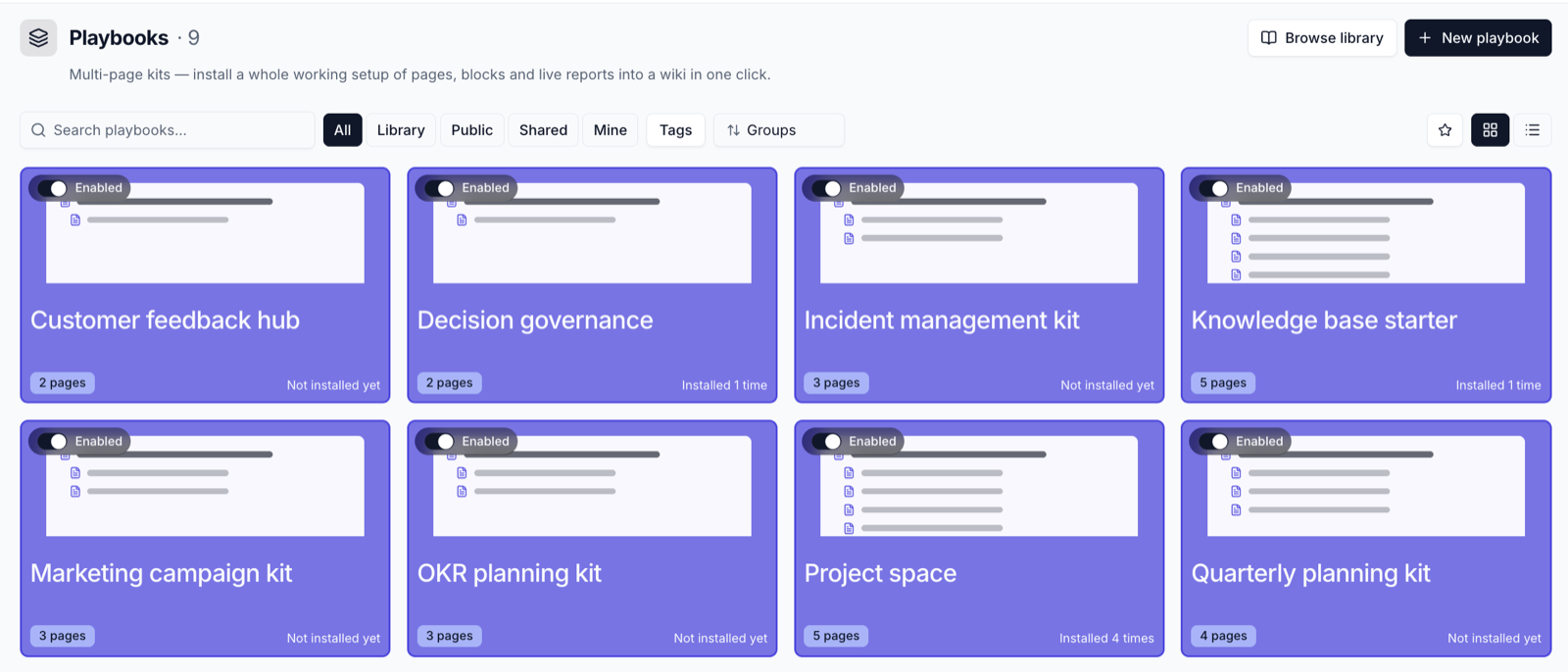
| Playbooks | Kits of several linked pages, installed into a wiki in one go |
| Studio Analytics | How often templates are used and how many records property blocks hold |
| Managers | Who can publish templates for the whole organisation |
Find What You Need
Use the bar at the top of each section:
- Search - find items by name, description or purpose
- All, Library, Public, Shared, Mine - Library is Huddo's built-in collection, Public is shared across your organisation, Shared has been shared with you by name, and Mine is what you created
- Star - show only your favourites
- Tags and Created by - narrow the list
- Sort - by group, name, recently updated or most used
- Browse library - show Huddo library items that aren't switched on yet
Card Actions
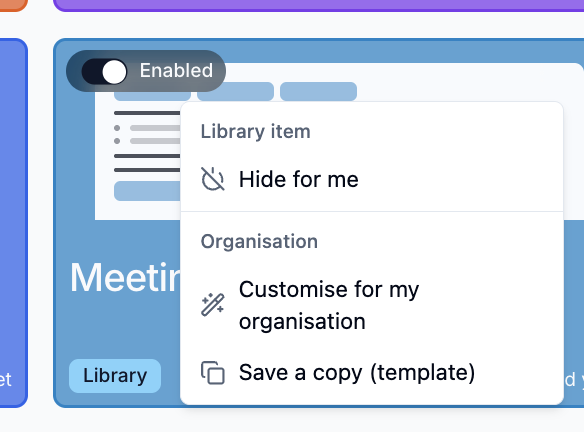
Hover over a card and click ⋮ for its options.
| Action | What it does |
|---|---|
| Activate for me / Hide for me | Show or hide the item in your own Studio |
| Share… | Share the item with people or groups, or with everyone in the organisation |
| Save a copy | Make your own editable copy |
| Customise for my organisation | Edit a Huddo library item for everyone in your organisation (Template Managers) |
| Compare with Huddo default / Reset to Huddo default | See or undo your organisation's changes to a library item (Template Managers) |
Click the star on a card to add it to your favourites.
Property Blocks
Property blocks capture structured information - a risk with its likelihood and impact, an action with its owner and due date - so it can be rolled up into live reports.
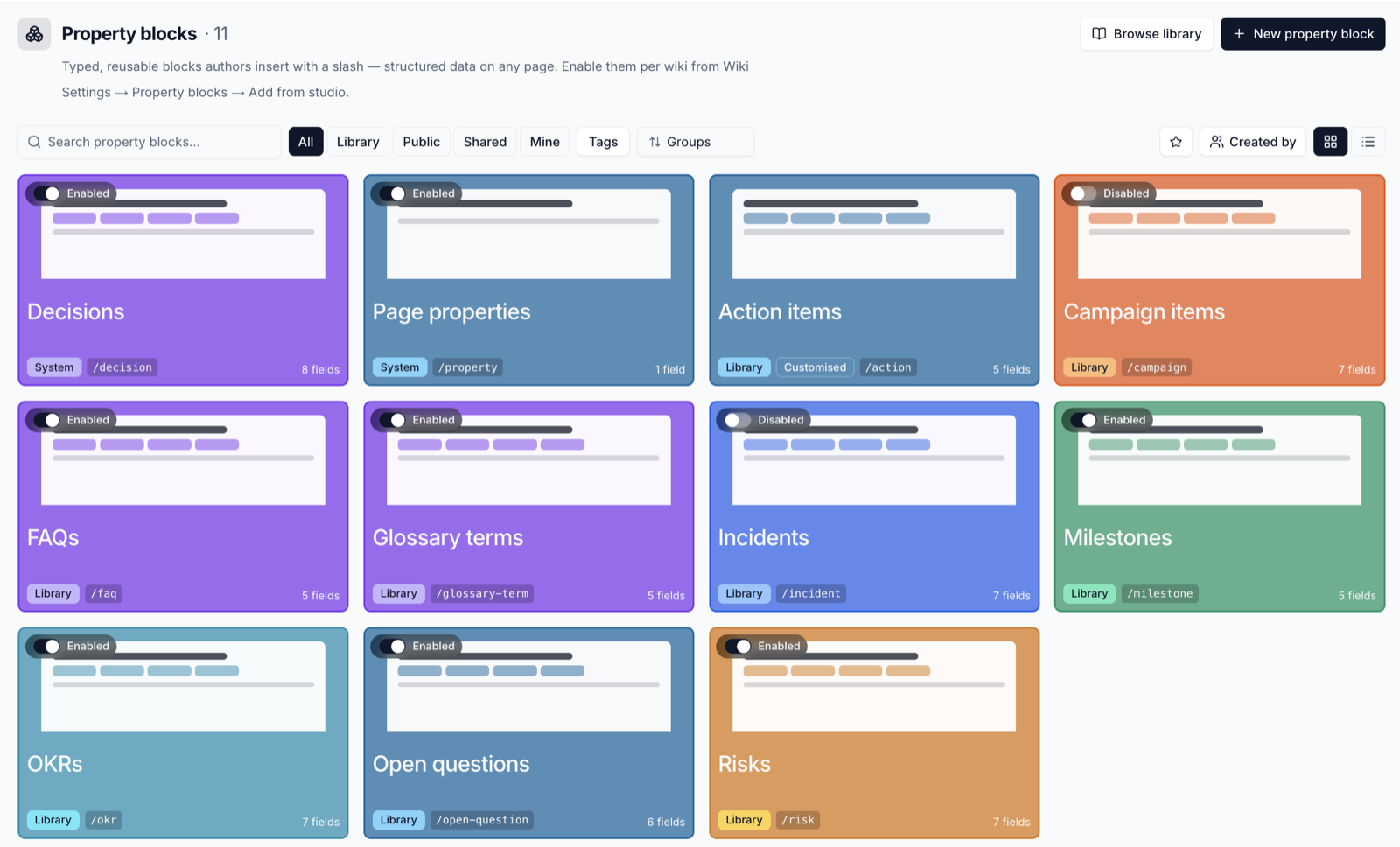
Each card shows the / command authors type to add it. See
Page Properties and Reports.
Huddo Updates
When Huddo improves a library item your organisation has customised, the card shows a Huddo update badge. Click it to compare the changes side by side, then choose Keep our version or Take the Huddo version.
Template Managers
Template Managers can publish templates and property blocks for the whole organisation, switch library items on or off for everyone, and customise them. Organisation administrators always have these rights, and can appoint managers on the Managers page.
Please contact us if you have any questions.