
Whiteboards
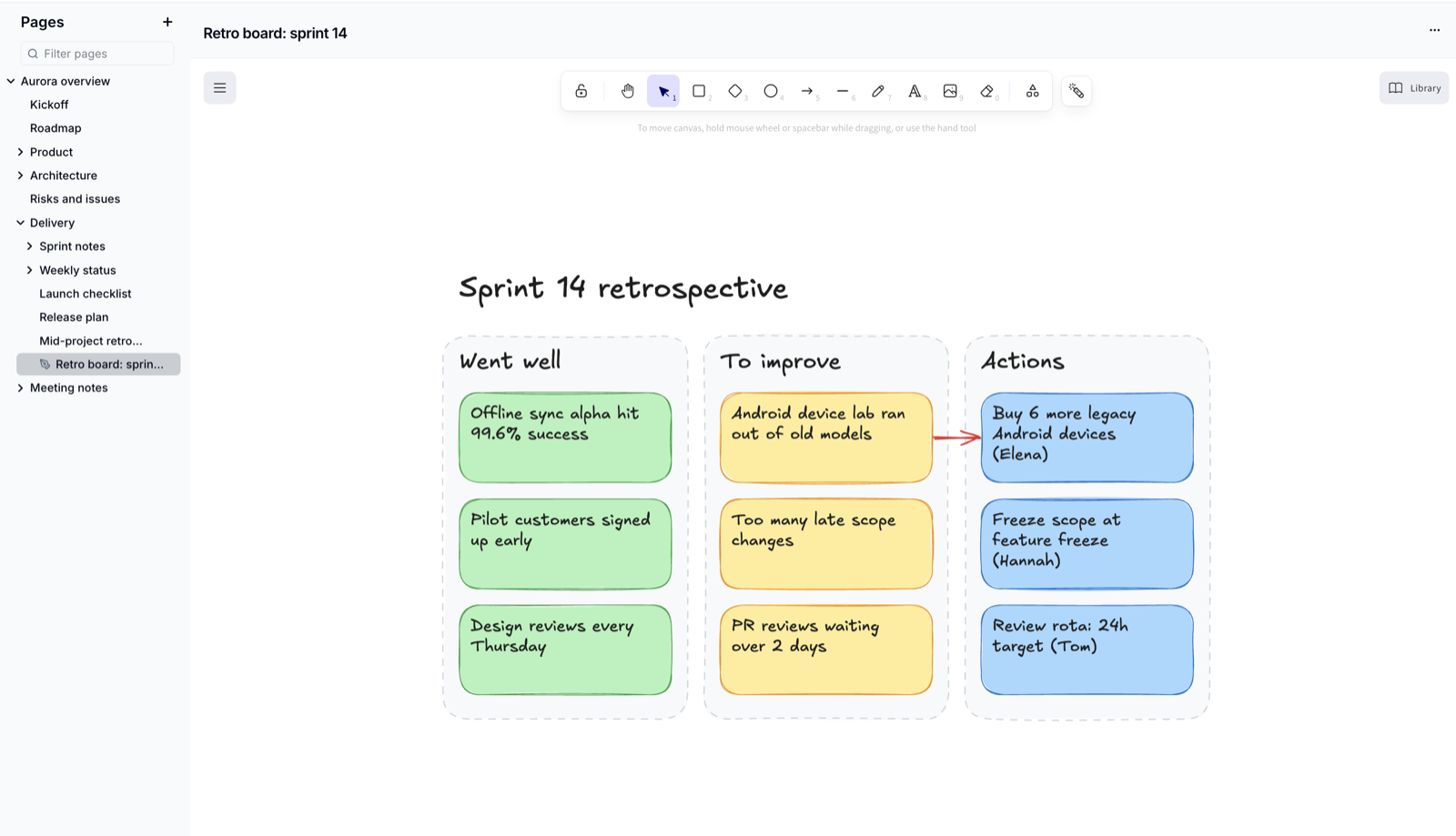
A whiteboard is an open canvas for sketching ideas, mapping a process or running a workshop with your team. Whiteboards live in the page list alongside your pages, and everyone can draw at the same time.
Create a Whiteboard
- Click
+next to Pages in the page list (or the+beside a page to put the whiteboard under it) - Choose Whiteboard
- Enter a title and click
Create
The whiteboard opens straight away.
Draw Together
Use the toolbar to add shapes, arrows, lines, text and images, or to draw freehand. Everyone with the whiteboard open sees each other's pointers and changes as they happen.
There is no Save button - changes are saved automatically.
People who can read the wiki can view the whiteboard. Editors and Owners can change it.
Rename, Export or Delete
- Use the main menu on the canvas to export, save the board as an image, or change the canvas background
- Use
⋯(Whiteboard actions) in the header to Rename or Delete the whiteboard
Deleting is permanent
A deleted whiteboard can't be restored.
Show a Whiteboard on a Page
Copy the whiteboard's address and paste it into a page. It appears as a smart card with a preview image that readers can click to open the whiteboard.
Whiteboards are always at the end of a branch
You can't add pages under a whiteboard. To group a whiteboard with related pages, put it under a page.
Please contact us if you have any questions.