
Notifications
Huddo tells you when something needs you: a wiki shared with you, a mention on a page, a reply to your comment, a page due for review or a change waiting for your approval.
The Bell
The bell at the top right shows how many unread notifications you have. Click it to see the latest ones. Click a notification to open it, or click Mark all read.
Click View all to open your inbox, where you can switch between All and Unread.
Mute a busy conversation
In your inbox, hover over a notification about a comment thread and click Mute this thread to stop hearing about it.
Choose What You Hear About
- Click your picture at the top right and choose Notification preferences - or click the gear in the notifications panel
-
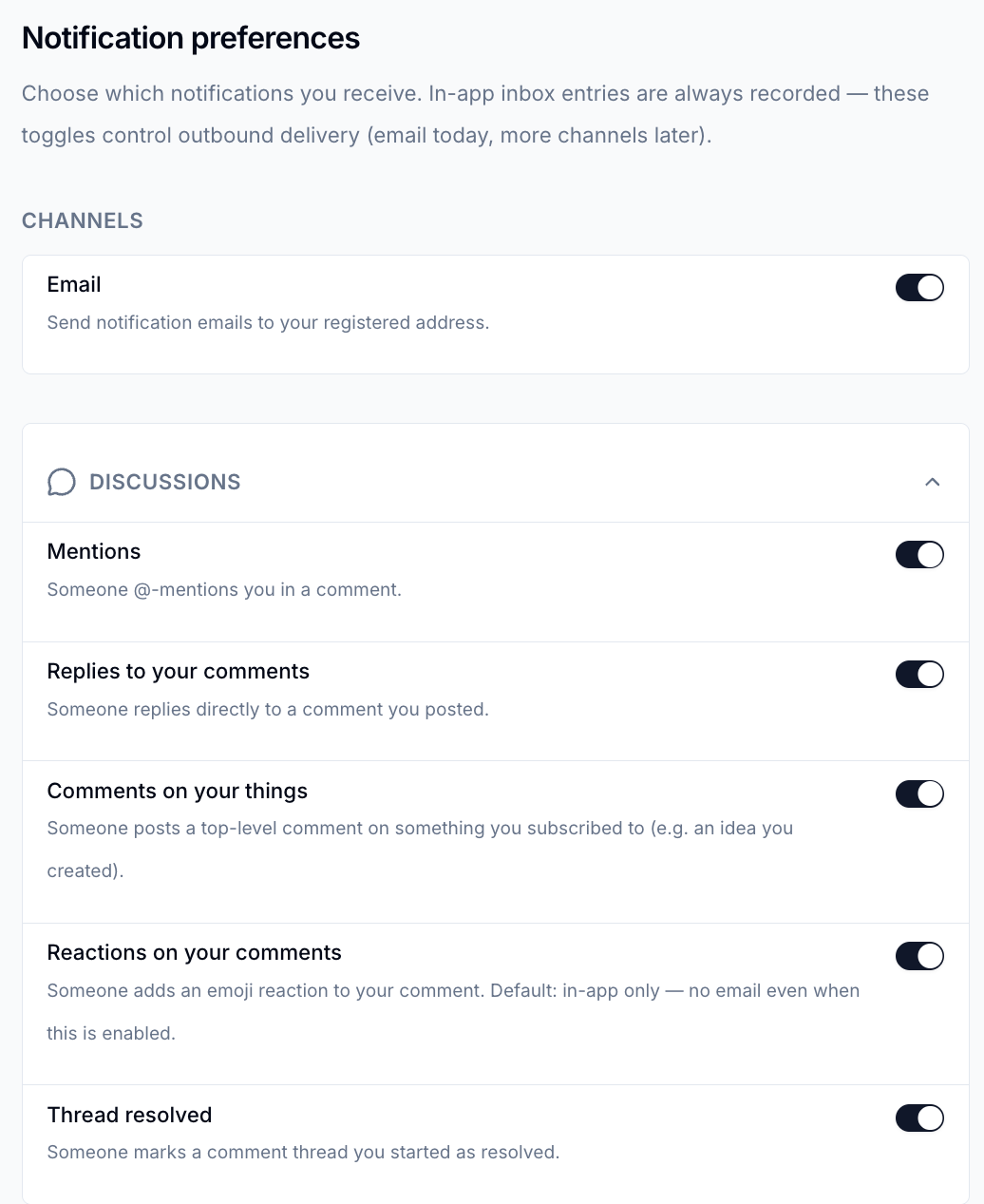
Switch Email on or off for all notifications
-
Switch individual events on or off in each section
Changes save straight away. Notifications always appear in your inbox - these switches control whether you are also emailed.
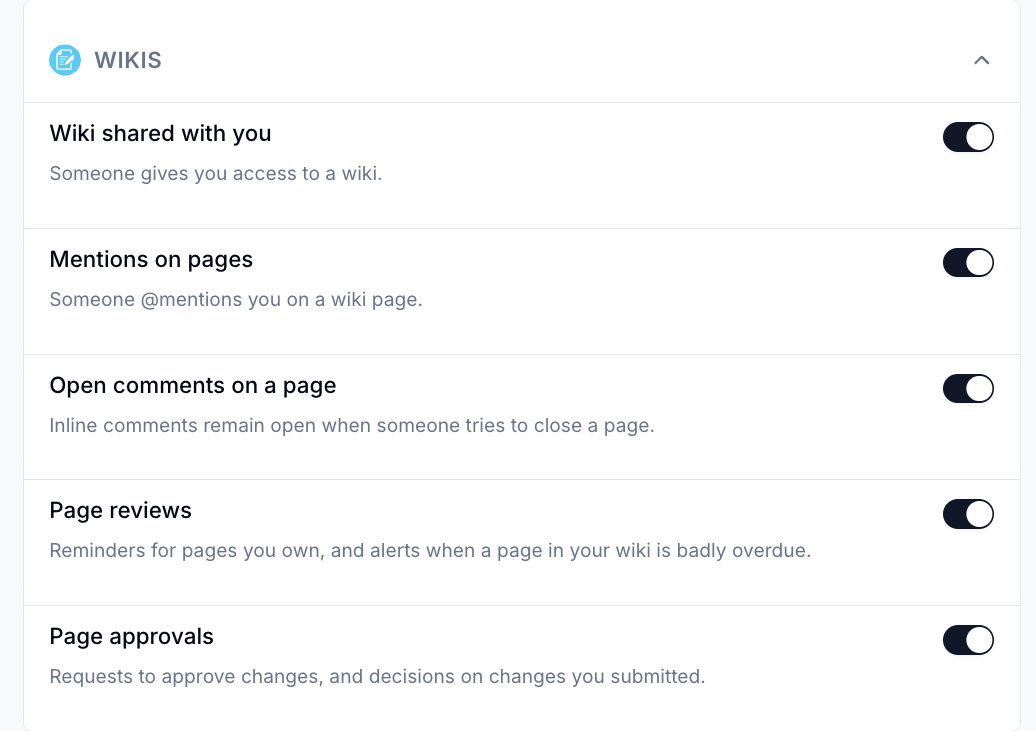
Wiki Notifications
| Event | You're told when |
|---|---|
| Wiki shared with you | Someone gives you access to a wiki |
| Mentions on pages | Someone @mentions you on a wiki page |
| Open comments on a page | Someone tries to close a page while inline comments on it are still open |
| Page reviews | A page you own is due or overdue for review, has been flagged or edited since it was verified, or you've been made its owner |
| Page approvals | Someone asks you to approve changes, or your changes are approved or sent back |
Comments on wiki pages are covered in the Discussions section: mentions, replies, reactions and resolved threads.
Emails
Each notification email is sent as it happens, in the language you use Huddo in. Every email has a link at the bottom to manage your preferences.
Please contact us if you have any questions.