
Tables
Tables are perfect for comparisons, schedules, contact lists and anything else with rows and columns. You can add header rows, merge cells, colour them and resize columns to fit.
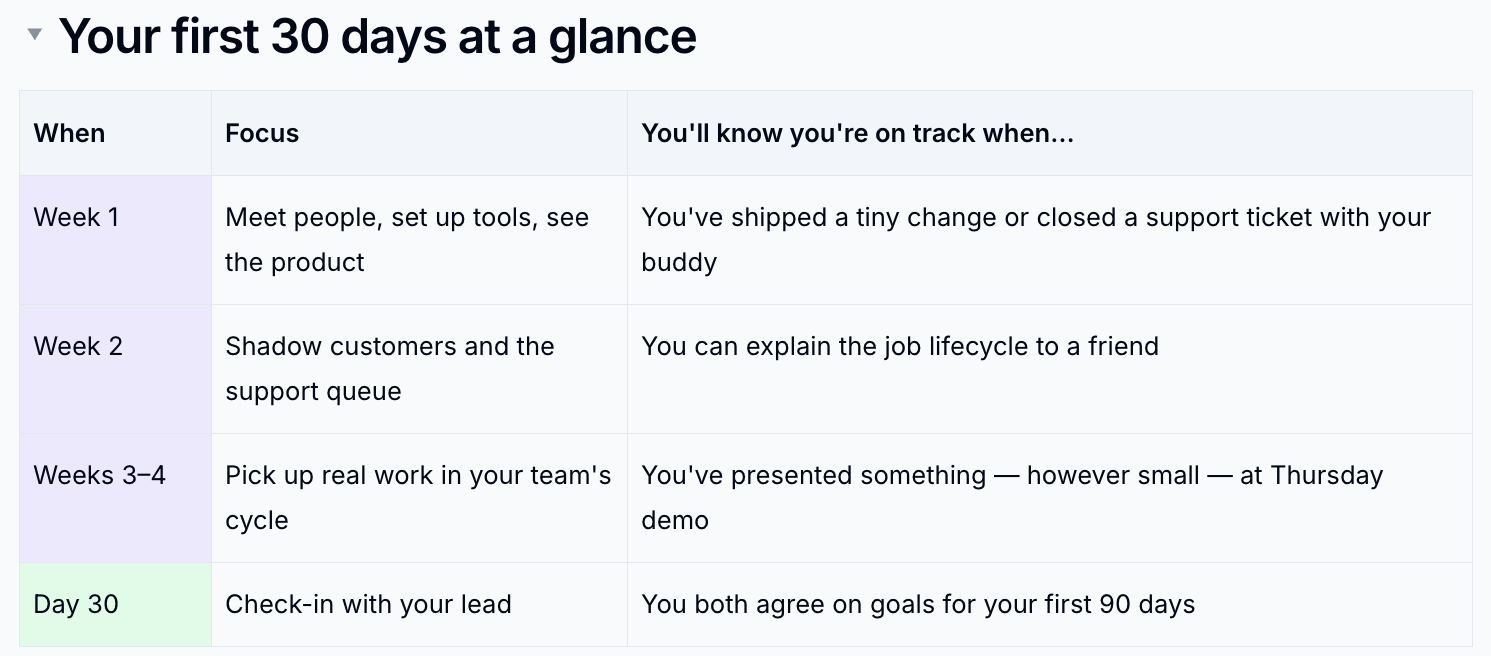
Insert a Table
- Type
/table -
Hover over Table and move across the grid to choose the size - up to six rows by six columns
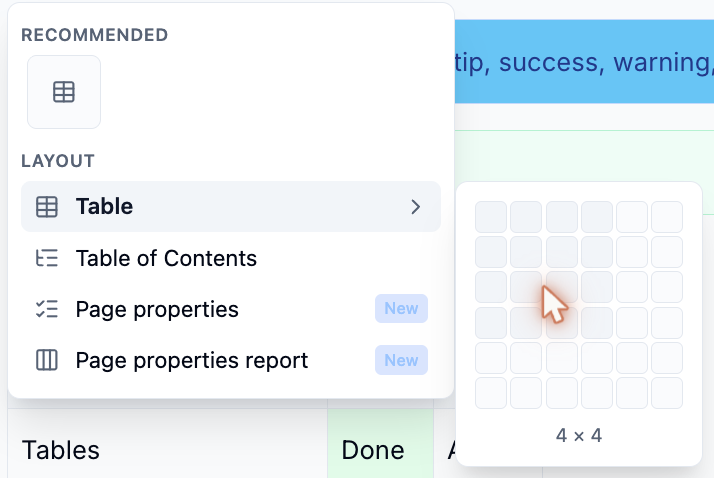
-
Click to insert it
Need more than six? Add rows and columns afterwards with the + buttons.
Add and Remove Rows and Columns
Hover over a table to show a strip above each column and beside each row.
- Click a strip to select that row or column
- Click the
+between two strips to insert a row or column there - Click the square in the top-left corner to select the whole table
Format Cells
Select one or more cells - click a strip, or drag across the cells - and a toolbar appears above the table.
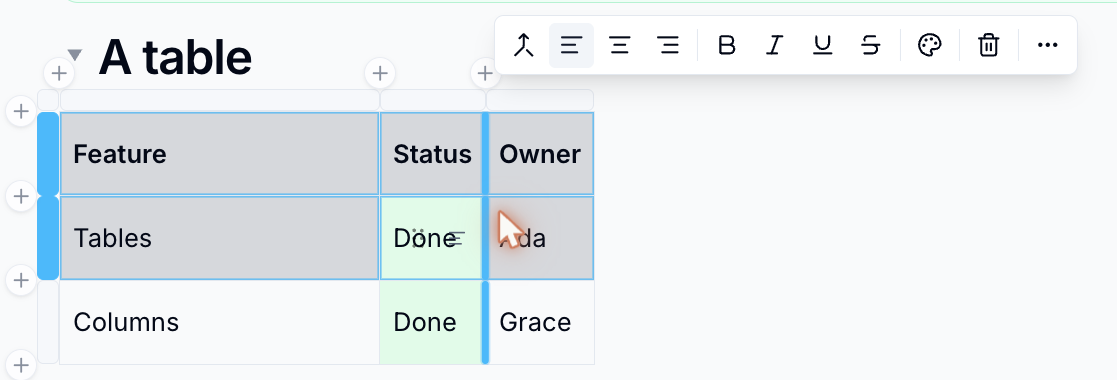
From the toolbar you can:
- Merge cells or Split cell
- Align the text left, centre or right
- Make the text bold, italic, underlined or struck through
- Change the Cell colour
- Delete the selected rows, columns or the whole table
Click ⋯ (More table actions) for everything else:
| Option | What it does |
|---|---|
| Toggle header row / Toggle header column | Turns the first row or column into a header |
| Distribute columns | Makes every column the same width |
| Fit to page width | Stretches the table to the full page width |
| Insert row above / below, Insert column before / after | Adds rows and columns at the edges |
| Copy table | Copies the whole table, ready to paste into another page or app |
Resize Columns and Rows
- Drag the border between two columns to change their width. The table never grows wider than the page
- Drag the bottom edge of a row to make it taller
Tips
Bring in a whole spreadsheet
To turn an Excel or CSV file into a table, use Import file… from the page list. Each sheet becomes a table on a new page. See Import Documents.
Wide tables
Readers on small screens can scroll a wide table sideways, so you don't need to squeeze columns to fit.
Please contact us if you have any questions.