
Images, Galleries and Media
Pictures, galleries, video and audio bring a page to life. Upload your own files, choose a photo from Unsplash, or reuse a file already attached to the page.
Add an Image
- Type
/image -
Choose where the image comes from:
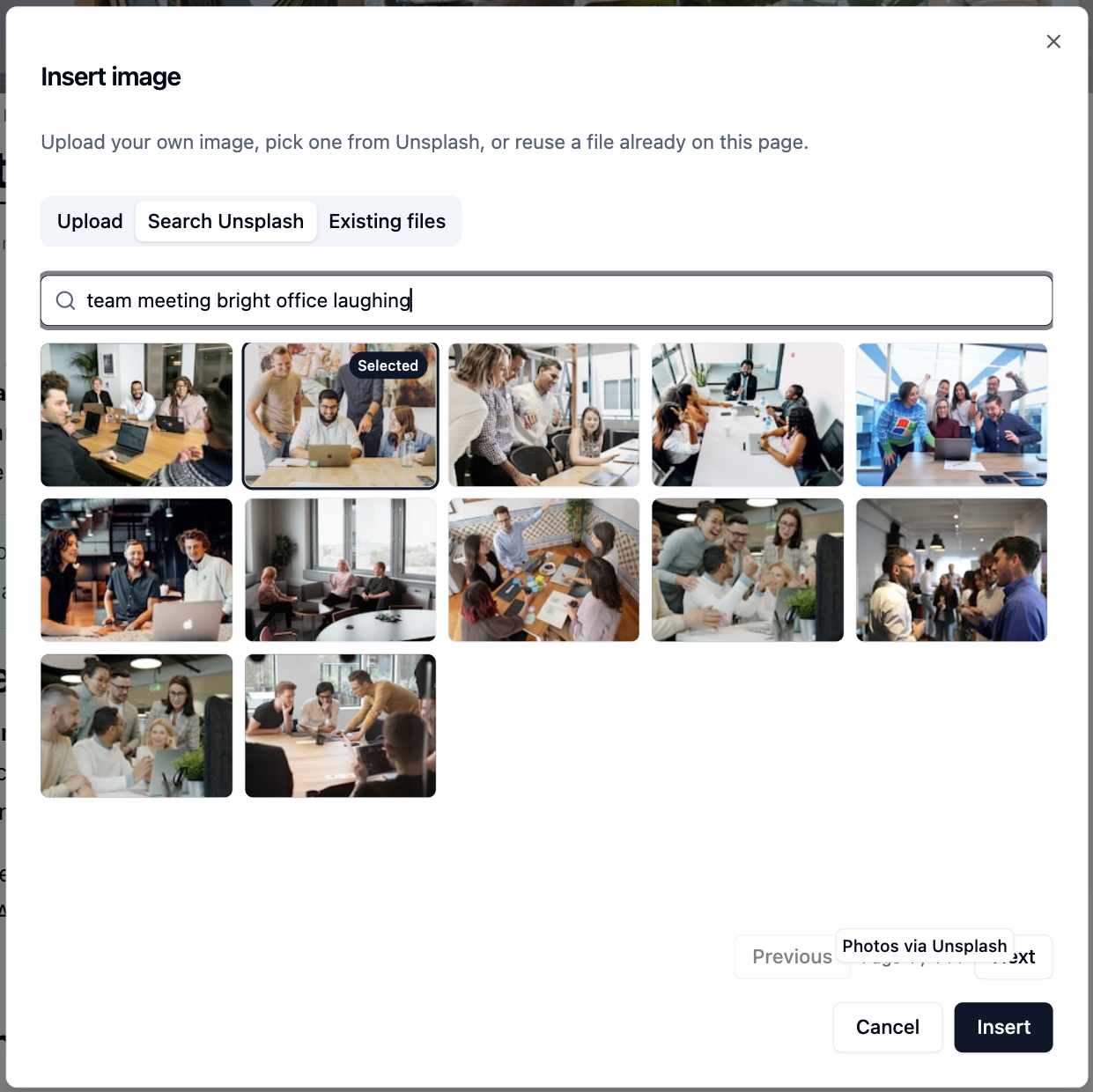
Tab Use it to Upload Drag in an image or click to choose one (up to 15 MB) Search Unsplash Find a free photo. The photographer is credited for you Existing files Reuse an image already attached to this page -
Click
Insert
Availability
Search Unsplash appears only when your administrator has connected Unsplash.
Size, Caption and Alt Text
Click an image to show its toolbar.
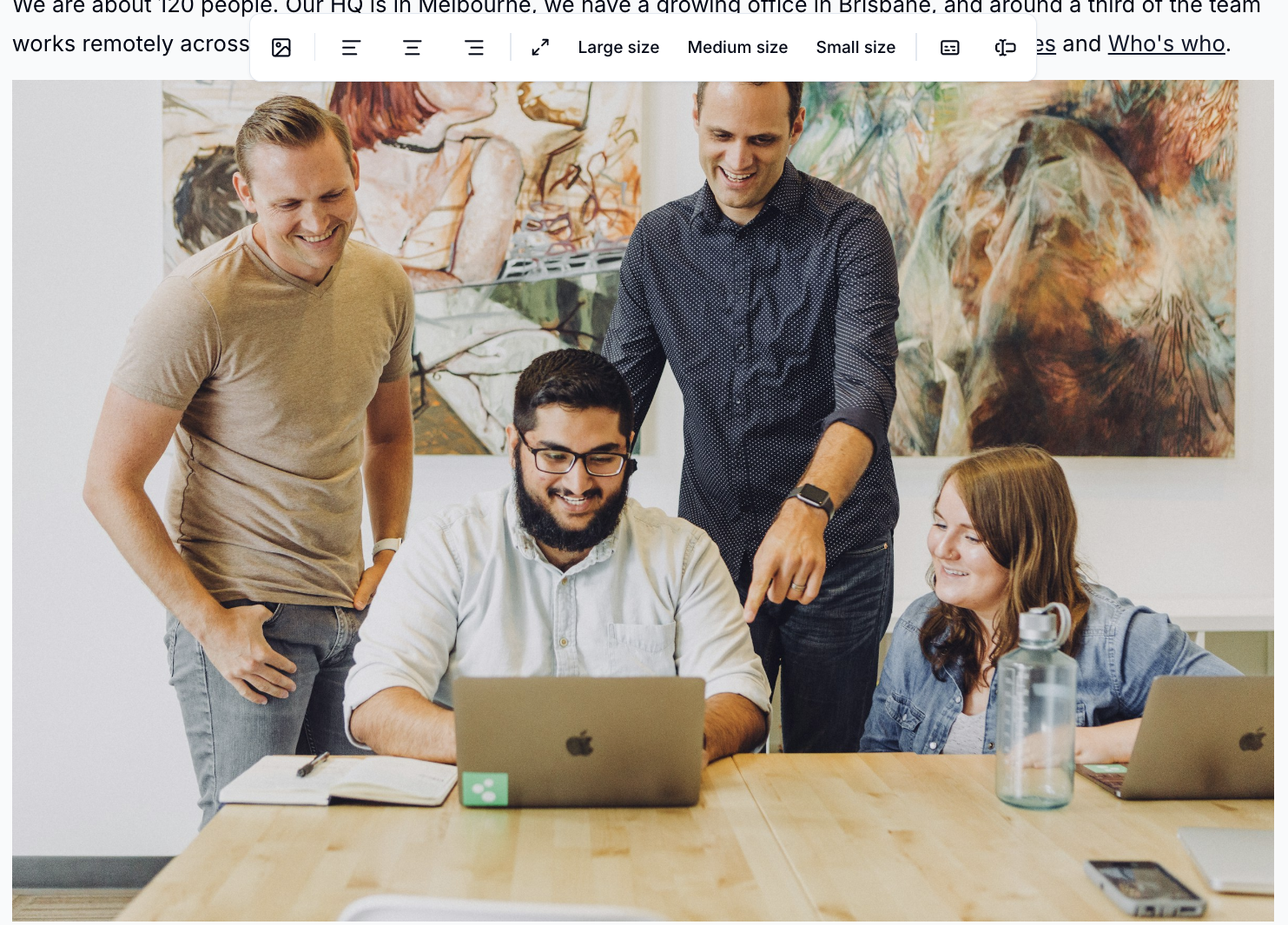
- Align the image left, centre or right
- Pick a size: Full, Large (75%), Medium (50%) or Small (25%)
- Edit caption to add a line of text underneath
- Edit alt text to describe the image for people using screen readers
- Reselect to swap the picture but keep its caption and settings
Always add alt text
Uploaded images start with their file name as alt text. Replace it with a short description of what the image shows.
Make a Gallery
A gallery shows several images together.
- Type
/gallery -
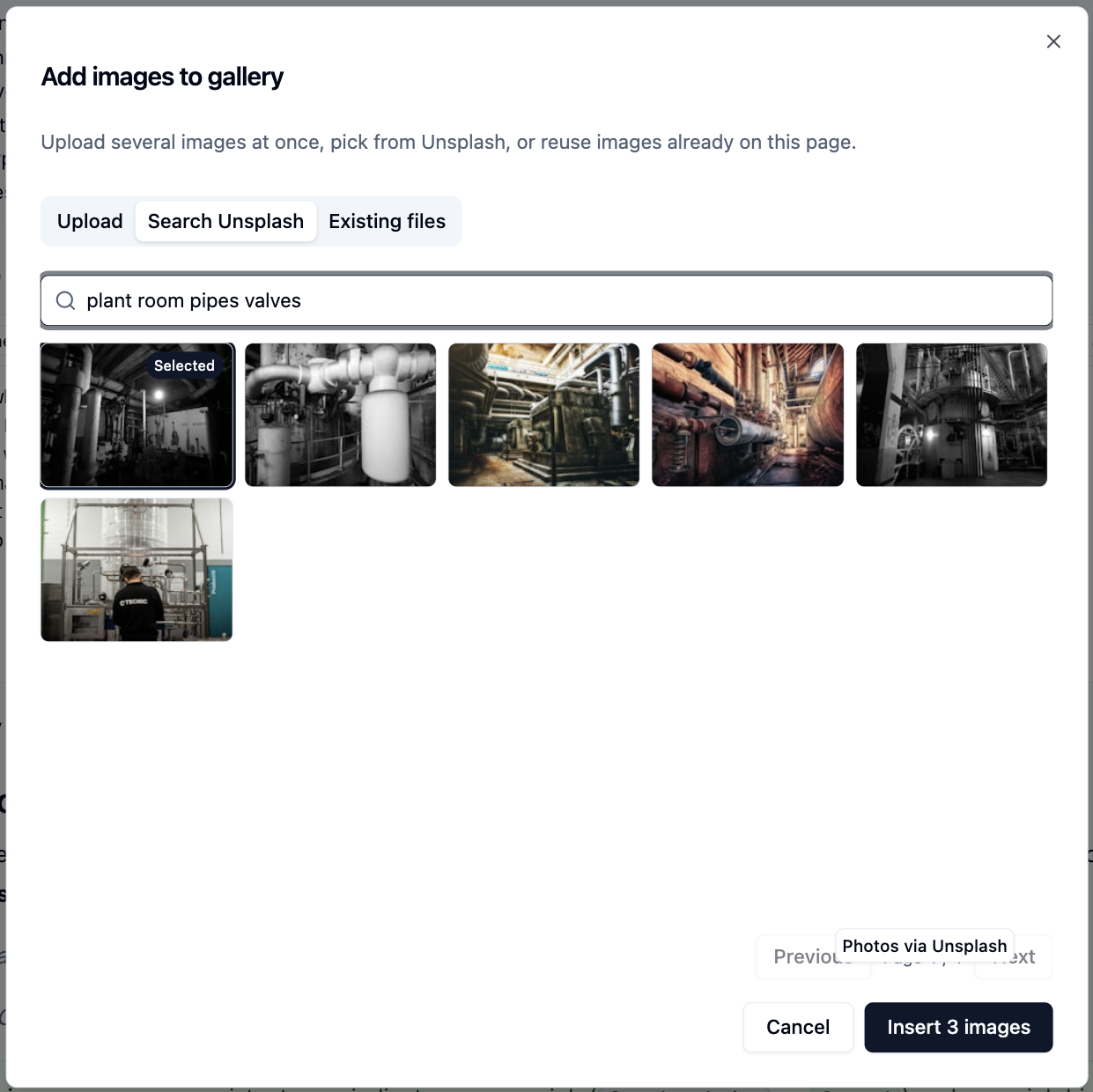
Upload several images at once, pick them from Unsplash, or tick images already on the page
-
Click
Insert
Already have images next to each other? Select them and choose Make gallery in the block menu.
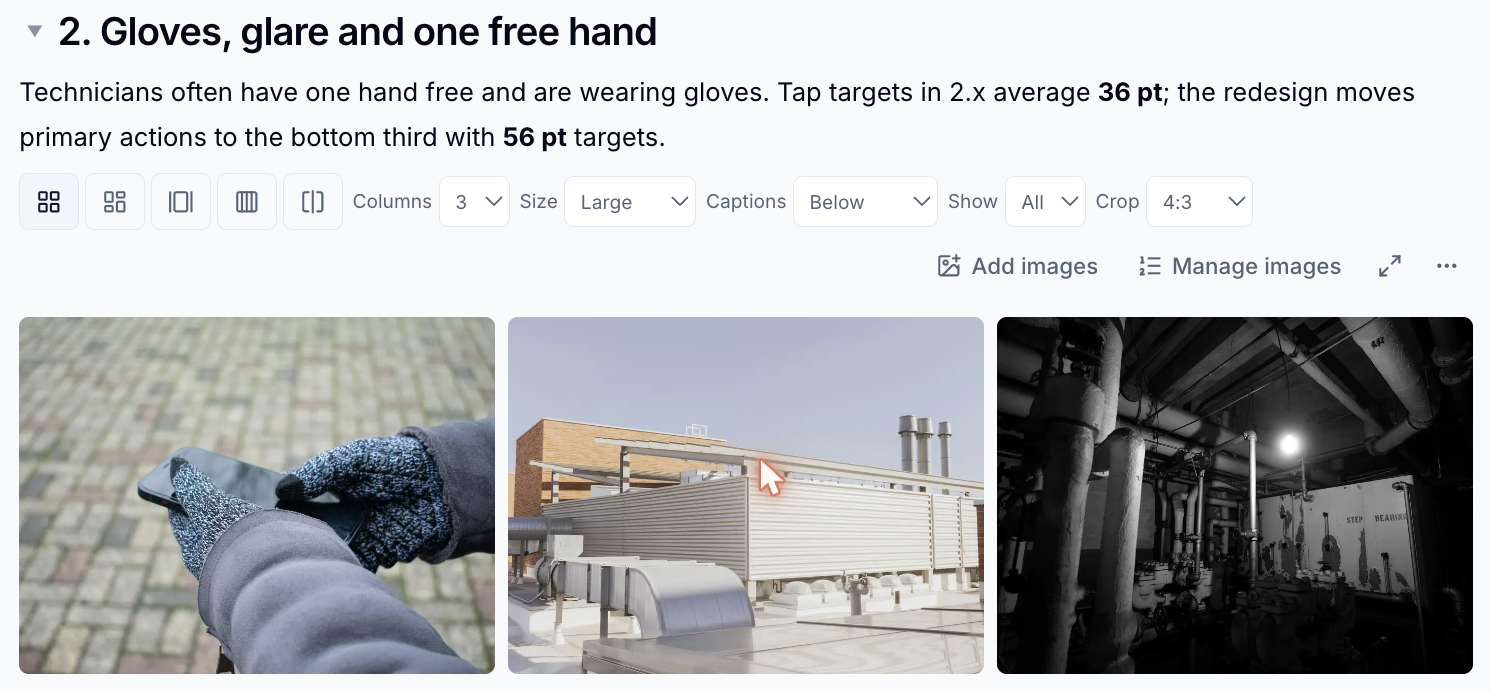
Use the gallery toolbar to choose how it looks:
| Option | Choices |
|---|---|
| Layout | Grid, Masonry, Carousel, Accordion, Before / after |
| Columns | 2 to 6 (grid and masonry) |
| Size | Small, Medium, Large |
| Captions | Below, On image, Hidden |
| Show | All images, or the first few with a "+N" tile for the rest |
| Crop | 1:1, 4:3, 16:9 or none |
Click Manage images to reorder images, add alt text, or set each image's focal point so the important part stays in view when it is cropped.
Galleries for Readers
Readers click any gallery image to open it full screen, step through the others with the arrow keys, zoom in and download the original.
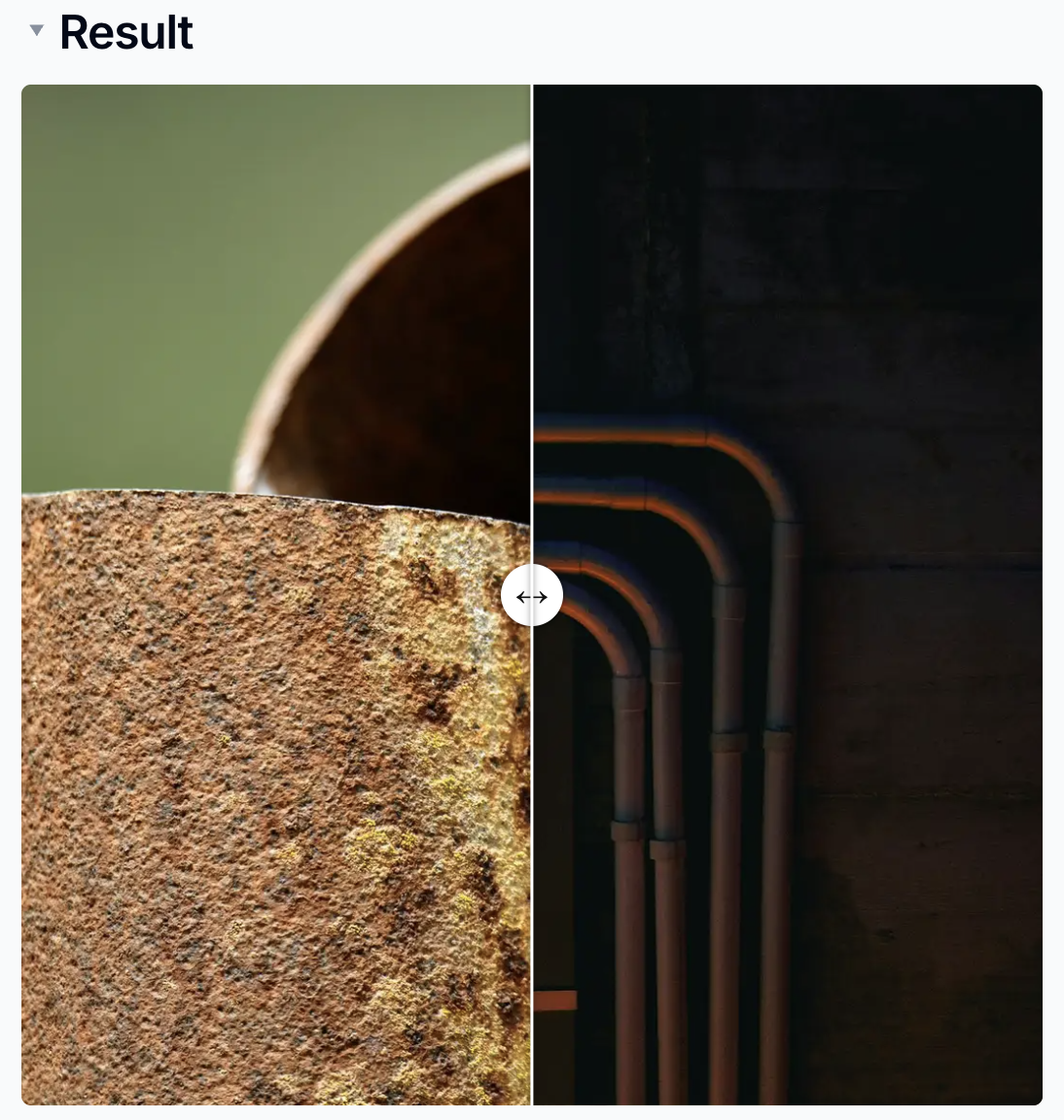
The Before / after layout puts two images on top of each other with a slider readers drag to compare them - ideal for redesigns and renovations.
Video and Audio
| Block | Formats | Size limit |
|---|---|---|
| Video | MP4, WebM, OGG/OGV, MOV | 100 MB |
| Audio | MP3, WAV, OGG, M4A, AAC, FLAC | 50 MB |
Type /video or /audio, upload a file or pick one already attached to the
page, then click Insert. Use the toolbar to align, resize and caption it.
Videos from the web
To show a YouTube, Vimeo or Loom video, use an embed instead. See Links, Smart Cards and Embeds.
Every file you add is also listed in the page's Files panel.
Please contact us if you have any questions.