
Getting Started with Huddo Wikis
Huddo Wikis gives your team one place to write down what it knows. This guide takes you from your first visit to a shared, living wiki in a few minutes.
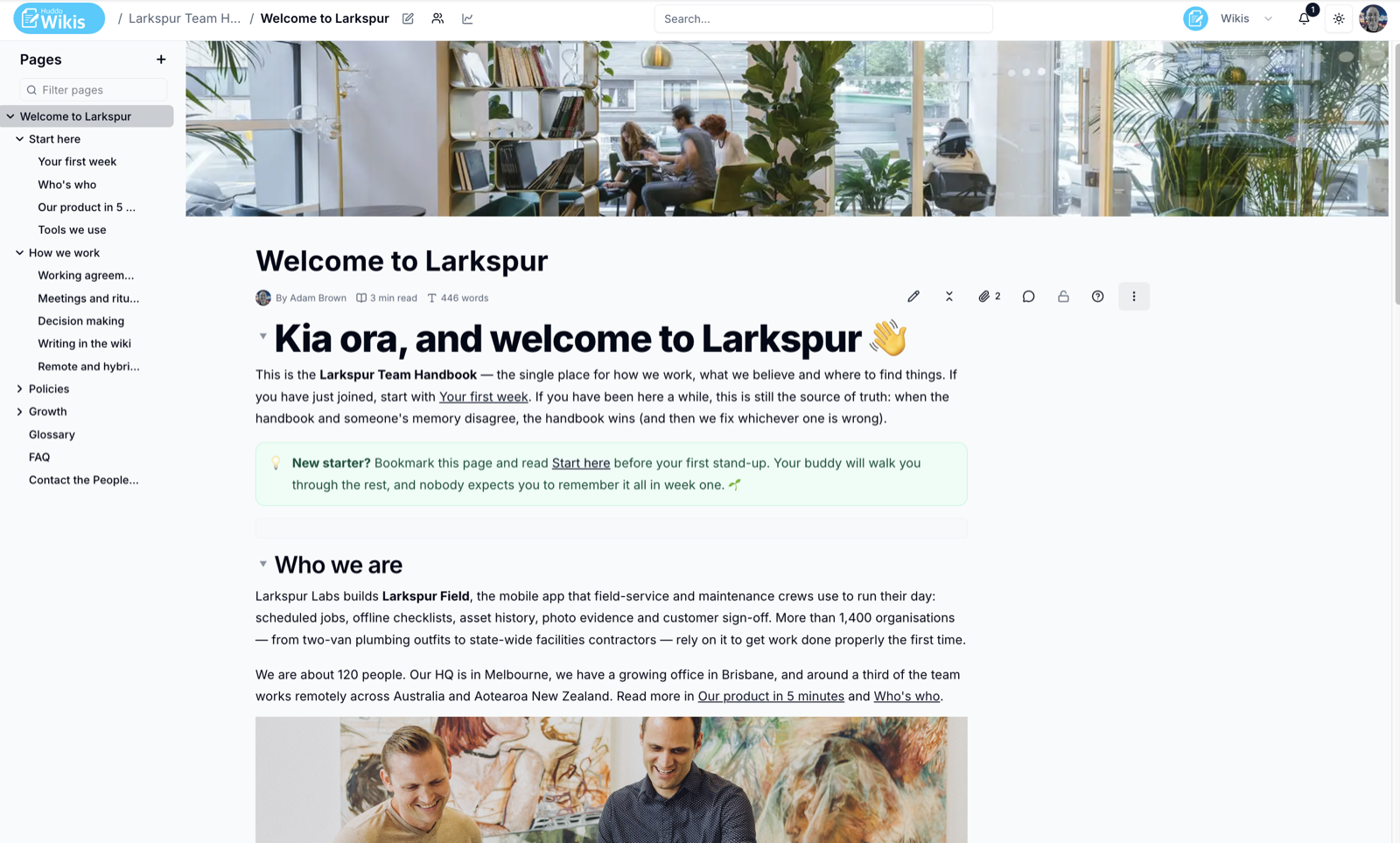
The Building Blocks
- Wikis - a wiki holds the knowledge for one team, project or topic. Each wiki has its own members, look and settings
- Pages - a wiki is made of pages, arranged in a tree you can nest up to five levels deep
- Members - people and groups you add to a wiki, each with a role of Reader, Editor or Owner
Your First Five Minutes
- Open Huddo Wikis. The Wikis home page lists every wiki you can access
- Open a wiki someone has shared with you, or click
New Wikito create your own - Click
+next to Pages to add a page - Click the pencil icon to edit the page, then click
Save - Click the people icon next to the wiki name to invite your team
Starting from nothing?
A new blank wiki includes a welcome page with a short checklist of things to set up first. Edit or delete it once you are under way.
Where to Next
- Finding Your Way Around - the home page, page list and search
- Slash Commands - type
/to add tables, callouts, images and more - Collaborative Editing - edit a page together in real time
- Comments - discuss a page or a single sentence
Licence required
If you see Licence required when you open Huddo Wikis, ask your organisation administrator to assign you a Wikis seat.
Please contact us if you have any questions.