
Favourites, Recent and Featured
Get back to the wikis and pages you use most. Star your favourites, pick up recent pages where you left off, and feature the pages everyone should read.
Favourites
Hover over any wiki or page card and click the star. It turns amber and stays visible.
To see only your favourites, click the star button in the filter bar. It works on the Wikis home page and on My pages, Recent and Featured Pages.
Your favourites are saved to your account, so they follow you to any browser or device.
My Pages
Click My pages in the sidebar to see every page you have created, across all of your wikis. Search them, sort by Latest activity, Recently created or Name (A–Z), or show only featured pages.
Recent
Click Recent in the sidebar. It has two lists:
- Updated in the Last Week - pages changed by anyone in the wikis you can read
- Accessed in the Last Month - the last 10 pages you opened
Drafts and pages you can't see aren't shown.
Featured Pages
Featured pages are the ones your team wants everyone to find - start-here pages, policies, key plans. Click Featured Pages in the sidebar to see every featured page across the wikis you can access.
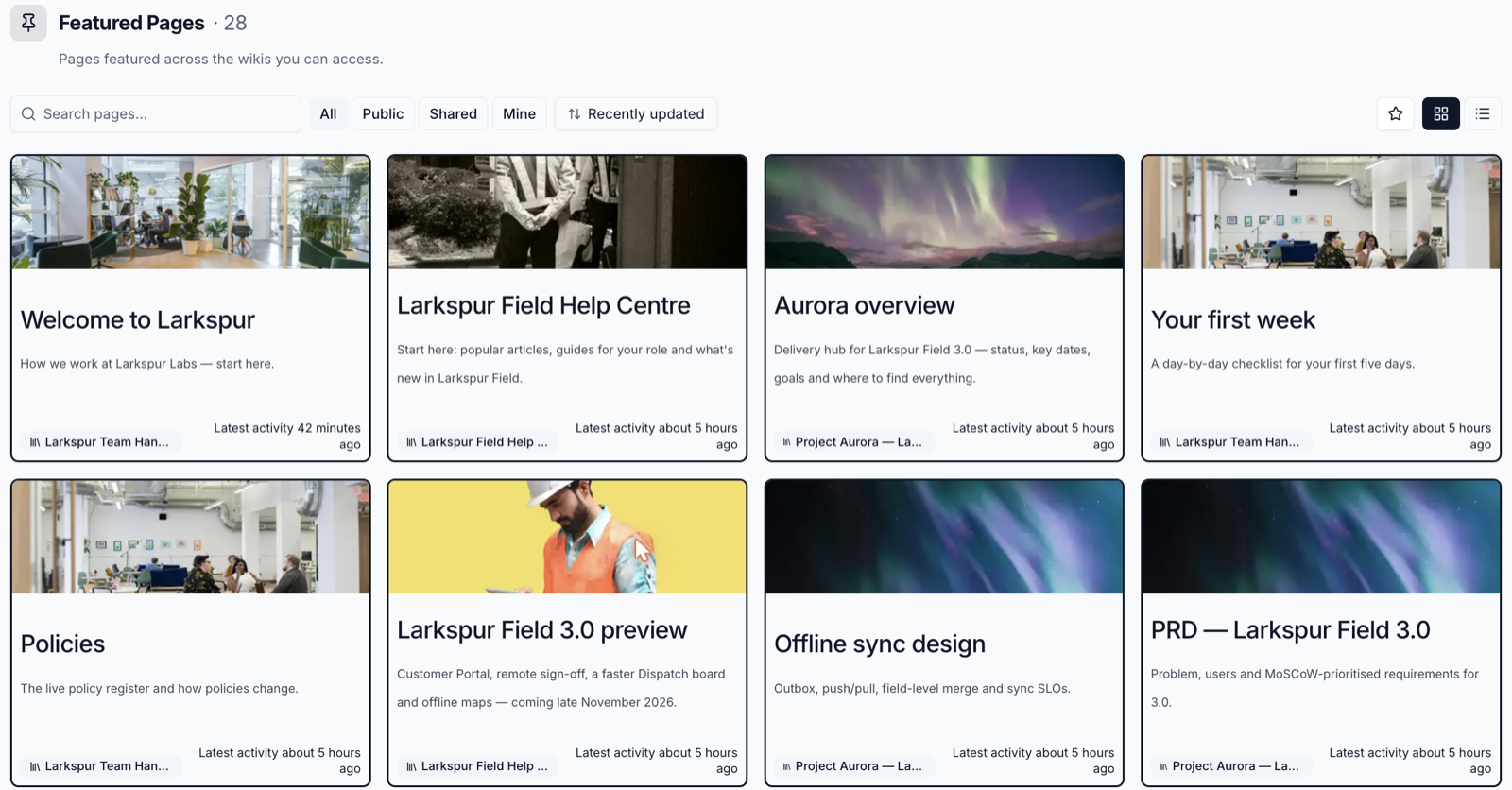
Feature a Page
- Open the page and click Page options (
⋮) - Under Organise, choose Set as featured
To stop featuring it, choose Remove from featured. You need to be able to edit the page.
Feature pages on a space dashboard
Space owners can add a Featured pages widget to a space dashboard and pick which featured pages to show.
The Wiki's Home Page
The same Organise menu has Set as default page. That page opens first when someone opens the wiki - make it a welcome page that points the way.
Please contact us if you have any questions.