Dates, Status and Mentions
Small touches make a page feel alive. Date chips count down to deadlines, status chips show progress at a glance, and mentions bring the right people into the conversation.
Date Chips
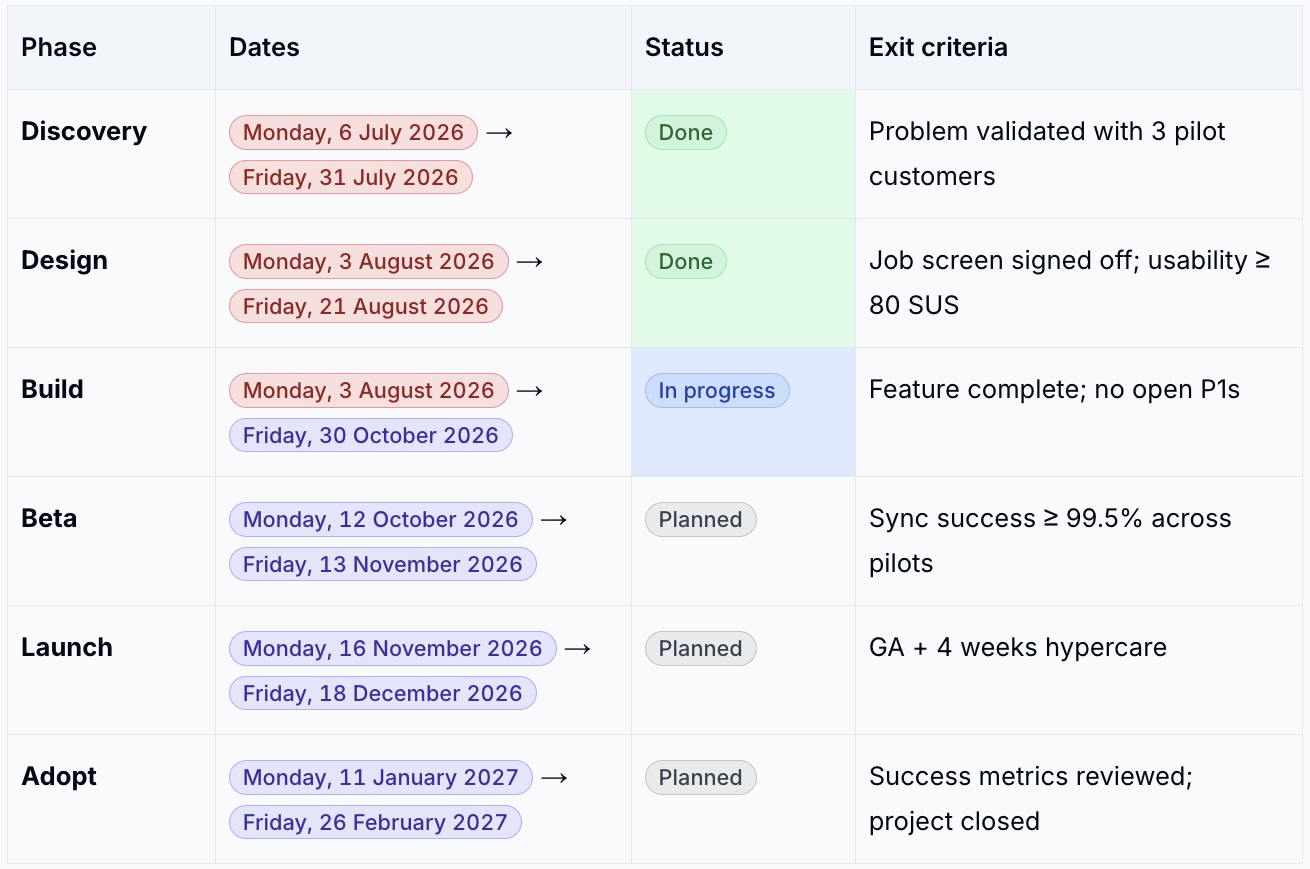
A date chip shows a date relative to today, such as "tomorrow" or "in 2 weeks", so readers can see at a glance how far away it is. While you are editing, chips show the full date and are coloured by how close it is.
| To add | Do this |
|---|---|
| Any date | Type /date and pick from the calendar |
| Today, tomorrow or yesterday | Type /today, /tomorrow or /yesterday, or @today and so on |
| Business days from today | Type @+5b for five business days ahead, or @-3b for three ago |
| Colour (while editing) | Meaning |
|---|---|
| Indigo | More than a day away |
| Amber | Within the next 24 hours |
| Red | In the past |
Hover over a chip to see the exact date in your time zone and any other dates on the same day. Click Add to calendar to download it as a calendar event.
While editing, click a chip to change the date or remove it.
Status Chips
Status chips are small coloured labels such as In progress or Blocked.
- Type
/status -
Choose a status:
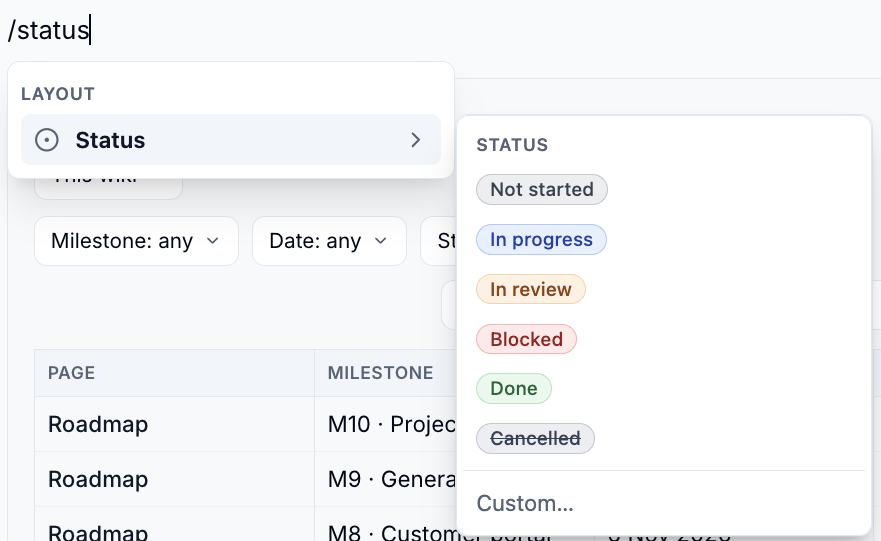
Not started, In progress, In review, Blocked, Done or Cancelled
-
Or click Custom…, type your own label (up to 40 characters) and pick a colour
To change a status, click the chip while editing and pick another.
Mentions
Mention someone to draw their attention to a page.
- Type
@and start typing their name - Pick them from the list
They get a notification - and an email, if they have email notifications on - when the page is saved.
Who gets notified
Only people mentioned for the first time in a save are notified, and only if they can read the page. You are never notified about mentioning yourself.
Please contact us if you have any questions.